RacerCaster · GPS timing & scoring · Flagging · Safety
Every lap. A clearer picture.
GPS-based timing and scoring with flagging and safety built in. Timing, race updates, event history and lap comparisons for track-day drivers, racers, crews, organizers and tracks—designed around phones and compatible onboard devices, without trackside timing installations.
Founding pilot · Now recruiting
Get the car ready. Keep the crew in sync.
RacerCaster is being rebuilt with a small group of teams and organizers. Scope and availability are confirmed with each pilot at onboarding.
Teams, drivers & coaches
A shared workspace for the car
Assigned prep, build milestones, parts, service history and driver debriefs that carry into the next outing.
Join as a teamOrganizers & tracks
Build the event. Bring drivers back.
Entries, run groups, waitlists, readiness records and check-in around one event, with attendance you can learn from.
Discuss an eventBrands & partners
Support the teams
Explore funded offers and team support with deliverables agreed before any campaign begins.
Explore a partnershipTrack days
Not every lap is a race
Track days are about developing your driving, not racing wheel-to-wheel for position. Follow your own lap history and consistency, stay aware of flags, and keep connected with your crew and event organizers.
Fast-mover and passing alerts aim to support traffic awareness—not permission to pass. Drivers still follow their organizer’s passing rules and flag instructions. These alerts have been tested on track and remain in development; they are not part of this demo.
Browse sample eventsOur story · Founded as RageTank in 2013
Built by racers. For racers.
Phone-based GPS timing, scoring and safety communication for a connected racing community.
More than a decade later, the time is right.
“I founded RageTank in 2013 to help track-day drivers and racers overlay their lap lines, compare laps over time and learn from one another. The vision also included a social platform where people could find events, share experiences and build a community around racing.
More than a decade later, I believe the time is right to bring that vision forward through RacerCaster: connecting the car, the driver, the team and the race weekend.”
— Founder, RacerCaster
Help shape the next chapterTechnology · Timing & track position
Compare your line. Track your progress.
Lap times tell you how you did. Your line shows where you can improve. RacerCaster pairs GPS-based timing with track-position data to support a closer look at each lap.
Built on years of GPS timing development and on-track testing. RacerCaster's next chapter brings timing, track-position analysis and race-weekend collaboration into one platform. Participants use supported phones or onboard devices; live sharing needs a connection.
Your line alongside other drivers
Overlay your driving line with others to compare the paths you take through corners and around the track.
Your laps, over time
Compare your own lines across laps and sessions to see how your driving evolves—not just whether your lap time changes.
The comparison demo uses synthetic sample laps; it is not a measured accuracy result.
Prototype leader
#7 Avery Cole
GT leader
#12 Sofia Reyes
Spec leader
#5 Mae Lindqvist
Fastest lap
1:43.058 Avery Cole
| Pos | # | Driver | Class | In class | Laps | Best | Gap |
|---|---|---|---|---|---|---|---|
| 1 | 7 | Avery Cole | Prototype | P1 | 40 | 1:43.058 | Leader |
| 2 | 21 | Rin Takeda | Prototype | P2 | 40 | 1:43.479 | +32.050 |
| 3 | 44 | Luis Ortega | Prototype | P3 | 40 | 1:44.014 | +62.084 |
| 4 | 12 | Sofia Reyes | GT | P1 | 37 | 1:50.989 | +3 laps |
| 5 | 3 | Hana Brooks | GT | P2 | 37 | 1:51.336 | +3 laps |
| 6 | 77 | Eli Mercer | GT | P3 | 37 | 1:51.821 | +3 laps |
| 7 | 88 | Noah Pike | GT | P4 | 37 | 1:52.463 | +3 laps |
| 8 | 90 | Wes Hartley | GT | P5 | 37 | 1:52.929 | +3 laps |
Featured sample events
All eventsThe platform
One place for your track day or race weekend
RacerCaster brings the timing screen, the schedule, race control messages and the results archive together, so the driver in the car, the crew on the wall and the people running the event are looking at the same picture.
- Running order, gaps, intervals and lap history (demo uses sample data)
- Flag states and announcements with Spotter
- Searchable results with driver comparison and CSV export
Drivers
Lap history, personal bests by layout, and consistency across every event you run.
Crew & support
Shared notes, a stint plan and a weekend checklist next to the running order.
Organizers
Set up events, sessions and entry lists, post announcements and publish results.
Tracks
A venue page with layouts, the event calendar and past results in one place.
Spotter
Flags and announcements, in RacerCaster
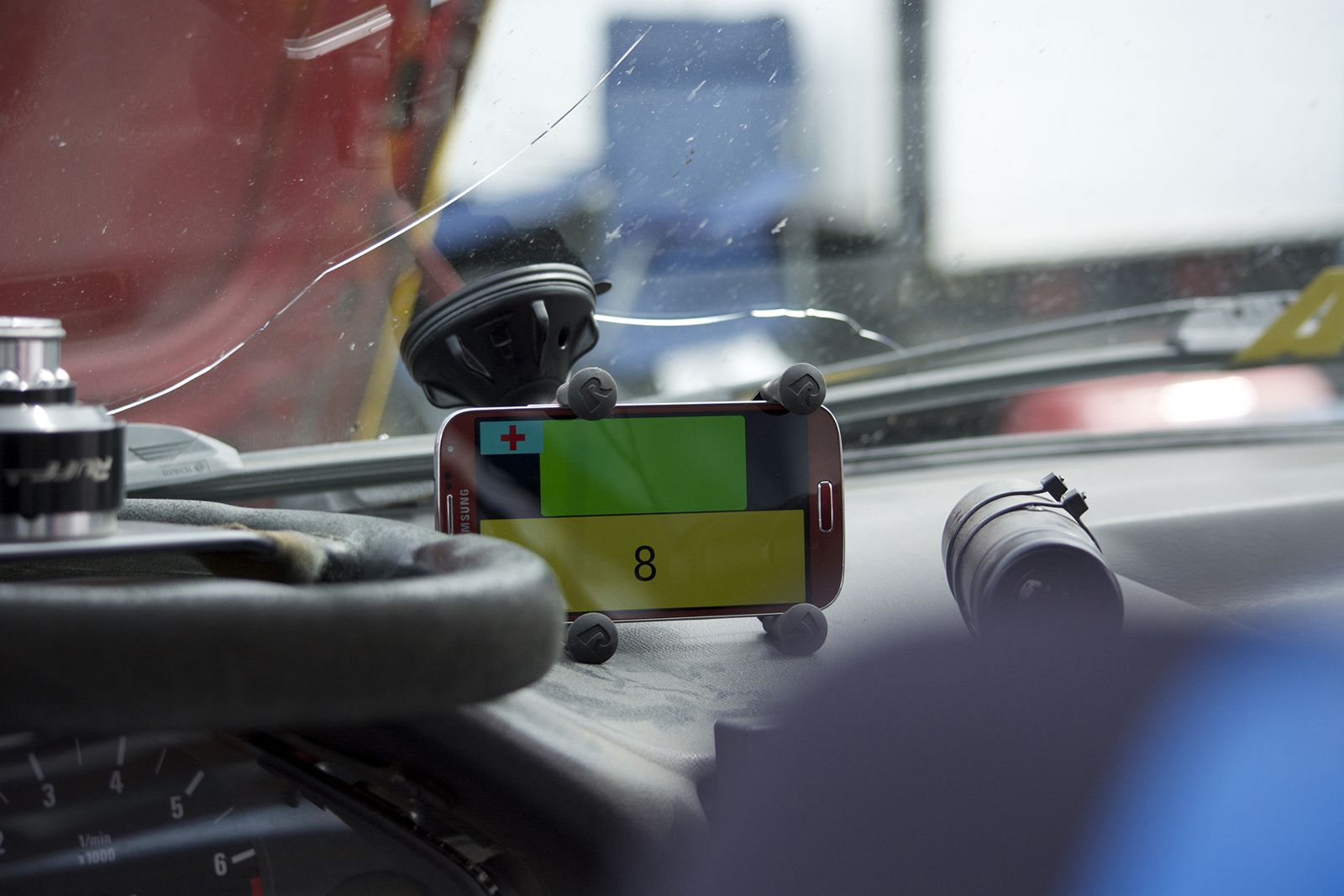
Spotter started as RacerCaster's way to put flag information and race announcements in front of drivers. It now lives inside the platform: race control sets the flag state and posts messages, and teams see them next to the timing.
The preview is a demonstration and is not a marshal or safety system.
Try the Spotter previewSafety & automation
Better flag awareness. Less repetitive work.
Drivers can miss a flag at a single post. RacerCaster aims to put race-control information in the car, and to handle routine alerts automatically so officials can focus on what needs judgment.
Flag awareness
Race control sets the flag state and posts messages, and drivers and crews see them next to the timing, so there's no need to rely only on spotting a flag at a post.
Fast-mover & passing alerts
Automatic alerts when a faster car is closing and a passing flag is warranted. Tested on track and still being developed; not part of this demo.
Supporting corner workers
Automating routine traffic alerts can reduce repetitive monitoring and messaging. Corner workers remain essential for incidents, response and judgment.
RacerCaster is not a replacement for marshals or an event's safety plan. Any change to staffing or procedures is decided by the event and its sanctioning body.
From the archive
Sample resultsRidgeback Autumn 4 Hour, 2025 — top five overall.
| Pos | # | Driver | Class | Laps | Best | Gap |
|---|---|---|---|---|---|---|
| 1 | 7 | Avery Cole | Prototype | 135 | 1:42.936 | — |
| 2 | 21 | Rin Takeda | Prototype | 135 | 1:43.460 | +55.902 |
| 3 | 44 | Luis Ortega | Prototype | 134 | 1:43.988 | +1 lap |
| 4 | 12 | Sofia Reyes | GT | 126 | 1:50.985 | +9 laps |
| 5 | 3 | Hana Brooks | GT | 125 | 1:51.302 | +10 laps |
Organizers & tracks
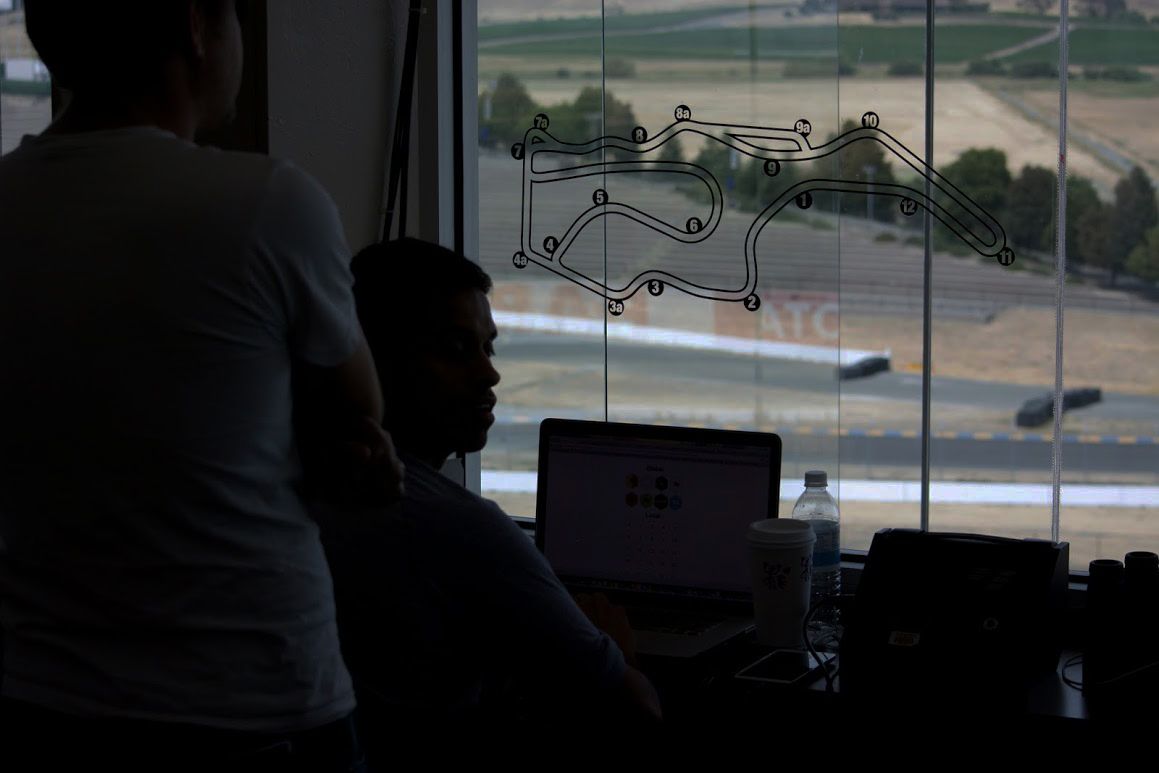
Run your event from one screen
Create an event, build the schedule, manage entries and post announcements. Try the local demo — changes stay in your browser.
Open the organizer demo